
EXPERIMENTAL EDUCATION UNIT X HUSKYADAPT
2024 - 2025
Switch Accessible Tablet App for Educational Play
Project Timeline
Tools
Impact
Impact
My role
October 2024 - June 2025
Qualitative Research
Ethnography
UX Design
Figjam
Figma
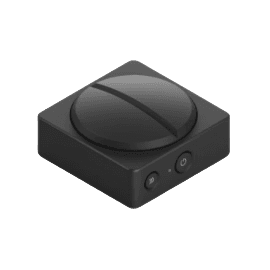
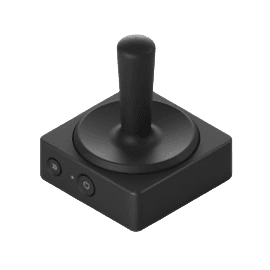
Switch Kit
Providing accessible learning and play
options to a classroom of 20+ students.
OVERVIEW
Children with disabilities are often left behind in traditional classrooms when it comes to play based learning. Although some adaptive play options exist for children with different learning needs, they tend to be expensive and often focus on single-player functionalities.
How might we help educators provide inclusive play options in the classroom that promote play-based learning for all students?
This project was in collaboration with educators and occupational therapists at the Experimental Education Unit (EEU). We designed a switch-accessible tablet application that offered a library of collaborative games promoting play-based learning.
Skip to Final Designs
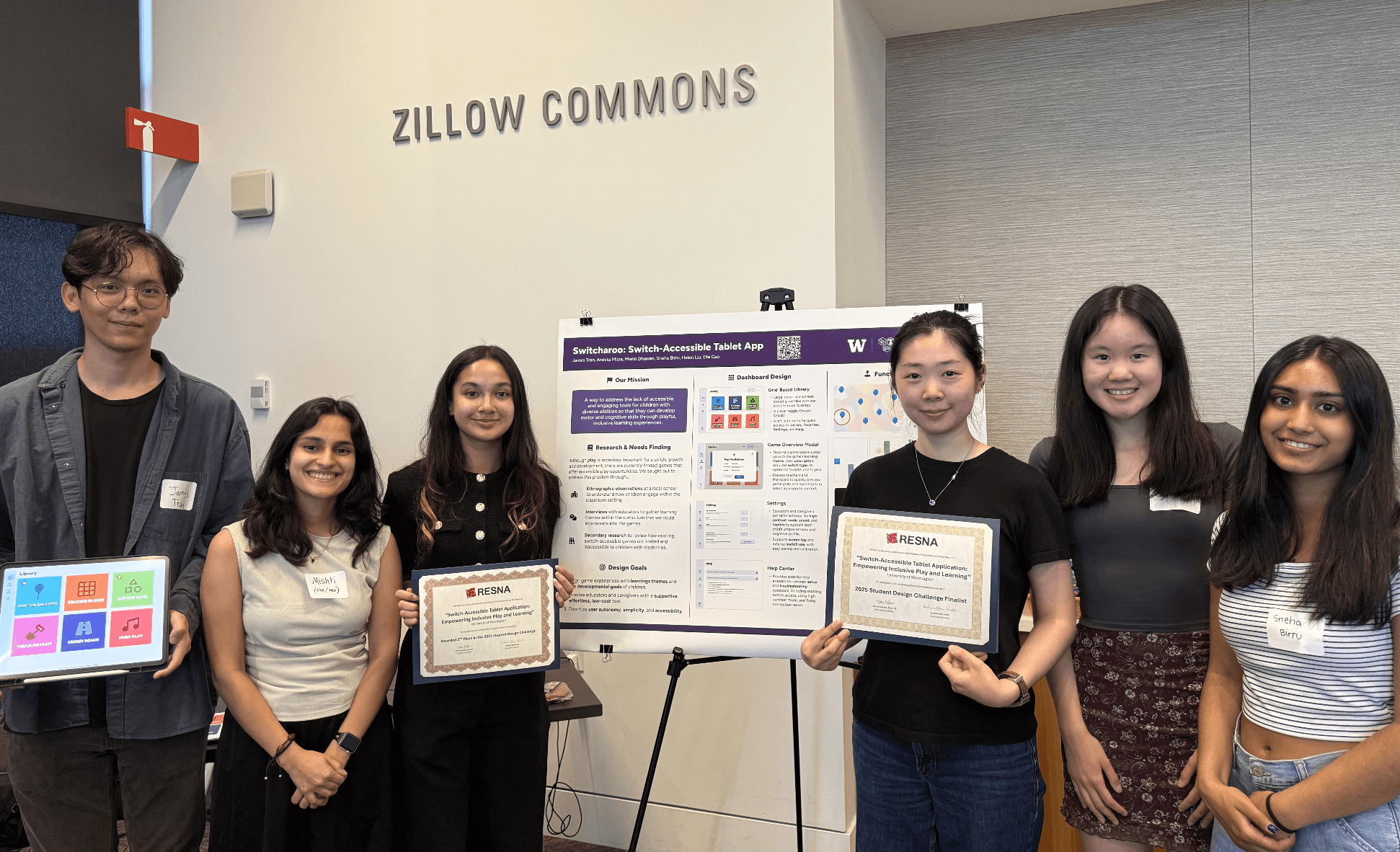
We submitted our design project to the RESNA Student Design Challenge. Our team was a finalist and won 2nd place nationally for our design project!
USER RESEARCH: UNDERSTANDING PAIN POINTS
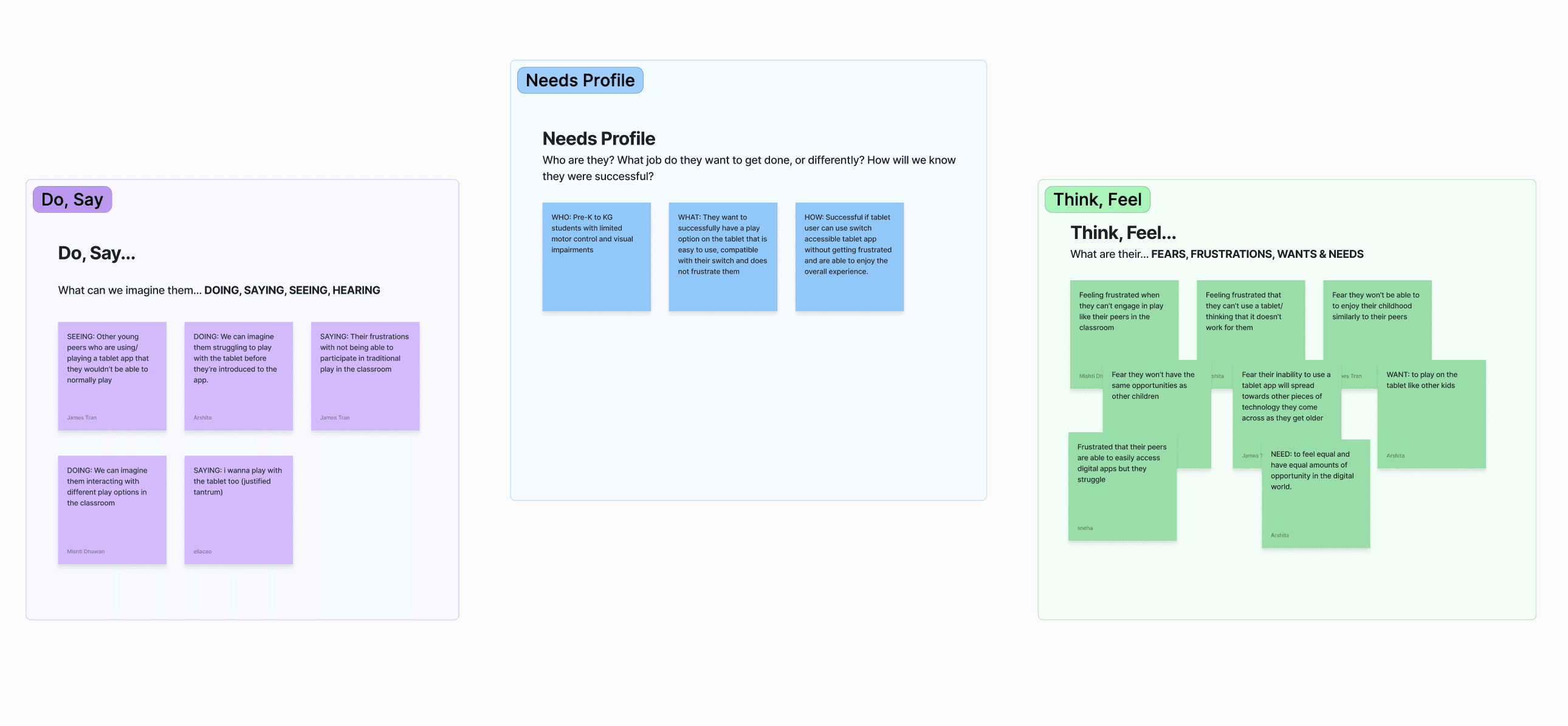
We first built a needs profile to identify what our target user group might want out of a play experience. We identified key feelings, goals, and pain points. This guided us towards research methods that would help us fill gaps in our knowledge.
"The kids all have different developmental milestones based on where they are at."
- Molly T. (Educator at the EEU)
We met with educators at the Experimental Education Unit to learn about their classroom goals, and learning milestones for students. Through our interviews, we discovered that children in their classroom have diverse learning milestones. As a result, the educators seek to customize and adapt the play opportunities uniquely based on the student. Furthermore, educators emphasized that they value collaborative play opportunities for their students.
USER INTERVIEWS
ETHNOGRAPHIC OBSERVATIONS
SECONDARY RESEARCH
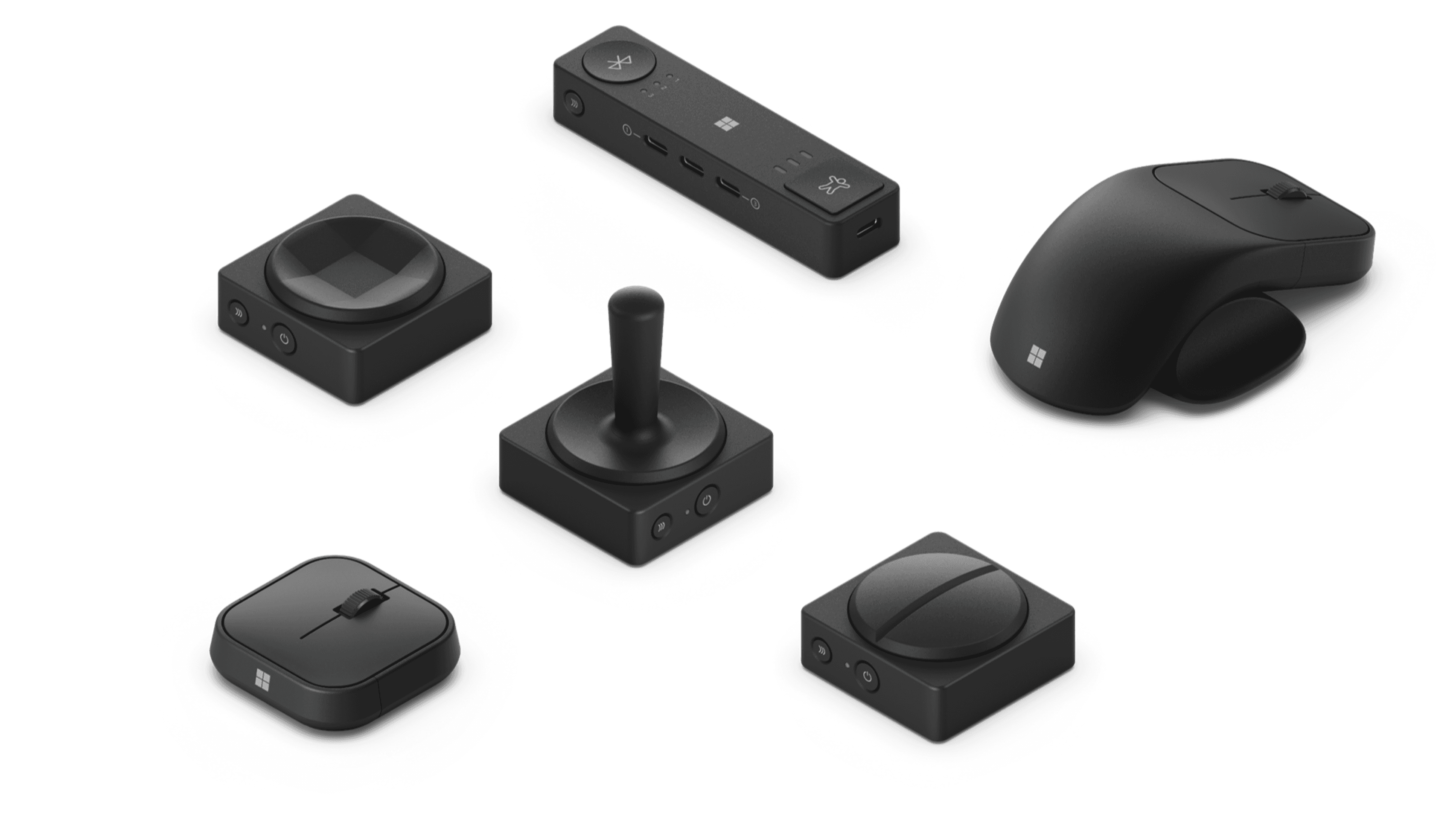
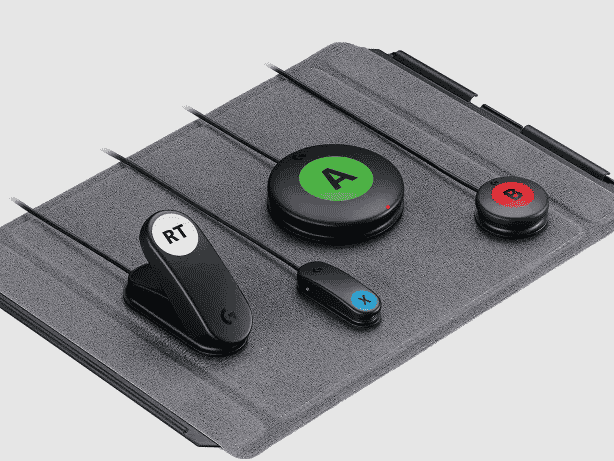
We began learning about different kinds of accessibility switches that are used to make devices and play tools more accessible. We began to meet with Mia Hoffman, an Accessibility Researcher within the Mechanical Engineering Department at the University of Washington to learn more about accessible switches and how they could be incorporated into our design solution. Through this process, we discovered Microsoft's adaptive tools.
Thematic Analysis of User Research Data
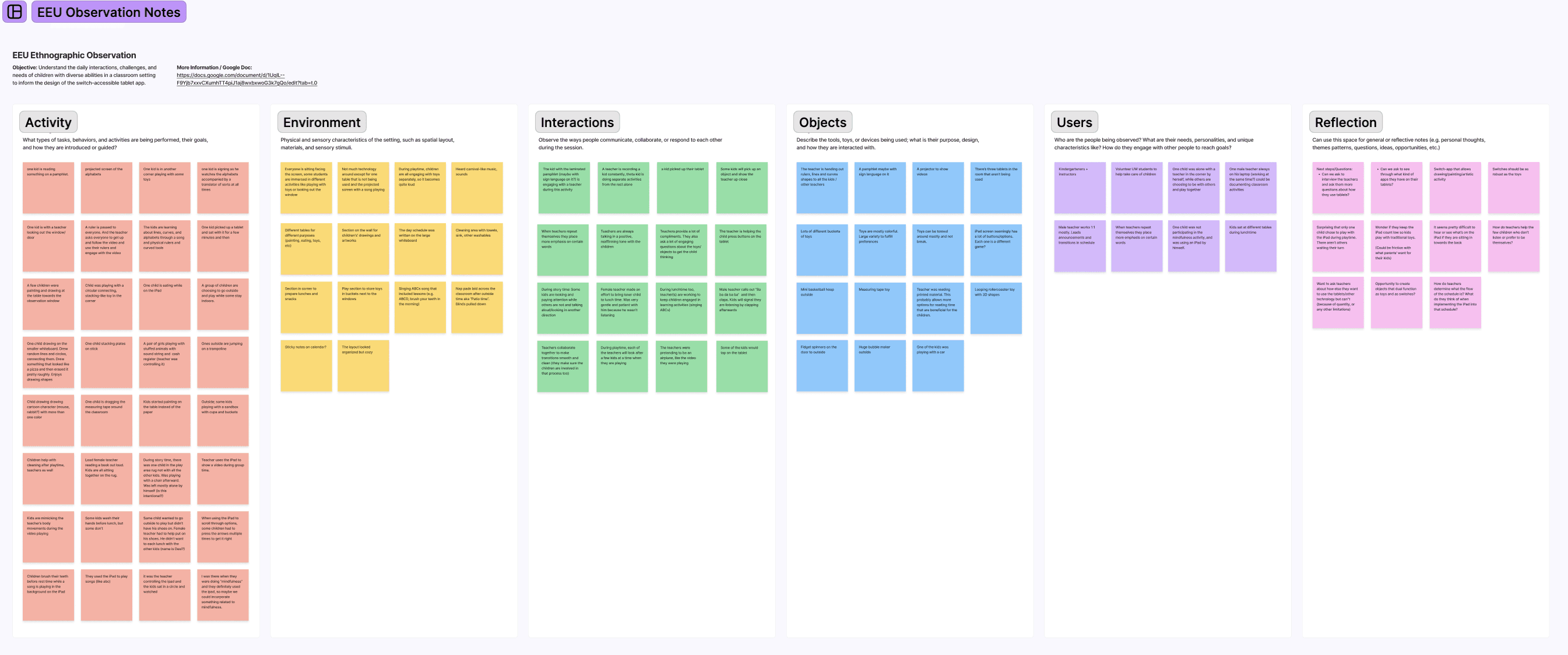
We coordinated 3 site visits to the EEU to observe how students engaged in play and learning. This experience was particularly insightful because it gave us a glance into how teachers used technology in the classroom, particularly the use of iPads to offer customizable learning and play.
RESEARCH INSIGHTS
Technology Interactions
Students have access to learning on an iPad to complete a learning objective at their own pace or play a digital game. But, they have a difficult time clicking small buttons on the screen.
Learning Preferences
Students have diverse learning goals and needs. Some children might prefer loud sounds and haptic feedback, while others may prefer more visual cues and interactions. Teachers have key learning goals for all students such as cause-and-effect learning.
Collaborative Play is Important
Educators highlight the importance of team work, and collaboration in the classroom. There are limited technological resources in the classroom so there is a greater emphasis on sharing tools.
Ease of Use
Educators emphasize wanting solutions that are easy to integrate into the classroom.
Existing Solutions
Before we began brainstorming any solutions, we conducted a market analysis to see what products and play tools currently exist in the market. We discovered the following:
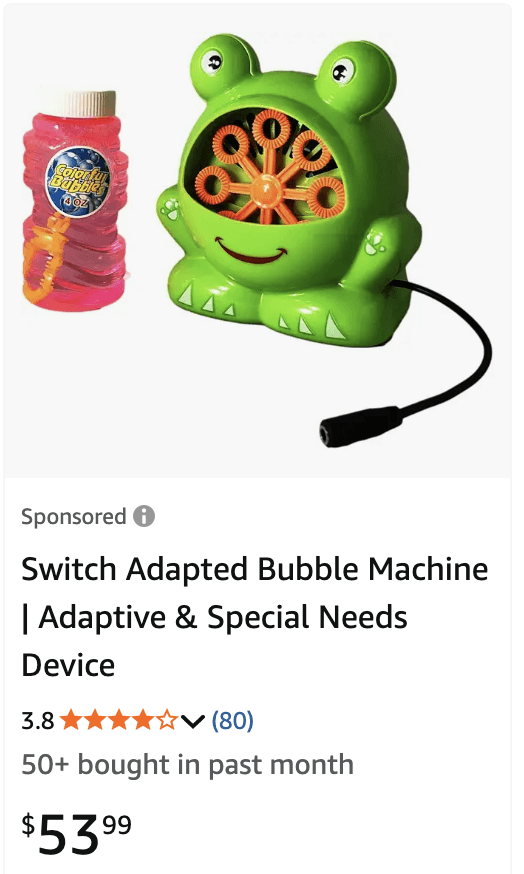
Adapted Toys: Current play solutions include adapted toys which are toys that have been modified to be played with an accessibility switch. These are significantly more expensive than their standard, off-the-shelf counterparts. Additionally, commercially available adapted toys are not widely sold in mainstream stores. They require specialized retailers.
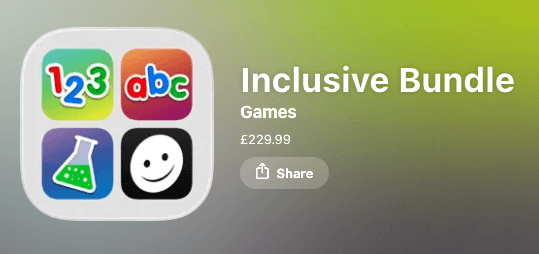
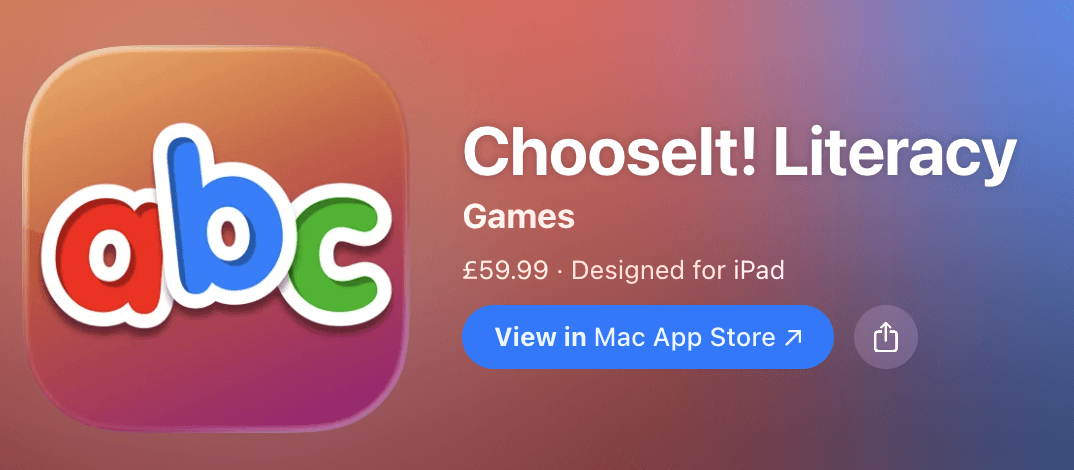
Digital Switch Accessible Games: resources like HelpKidzLearn offer digital options for play based learning. However, they are also expensive to download. Furthermore, these tools are also focused on specific age ranges that are not often inclusive of diverse student learning styles and needs in the classroom.
2
Ideation
Low-Fidelity Wireframes
High-Fidelity Prototypes
DESIGN SOLUTION — SWITCHAROO
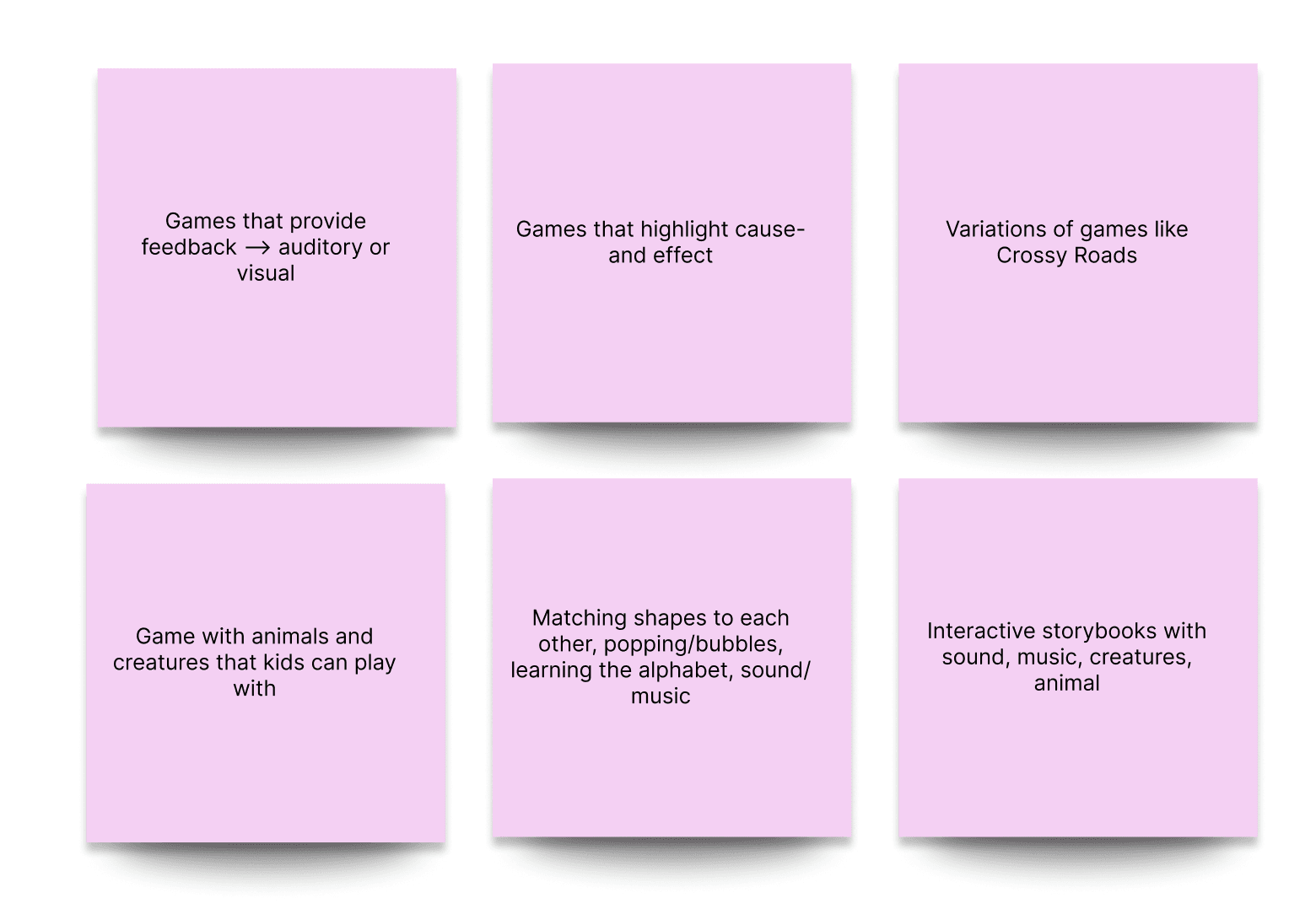
Based on our research insights, we began exploring the idea of a switch-accessible tablet app with a library of games targeting different learning objectives. The app would connect to a variety of switches while also targeting different learning goals and needs. In collaboration with the educators at the EEU, we came up with a set of game ideas targeting different learning goals.
The game ideas we landed on focused on sorting different shapes, popping balloons, timing based games like Crossy Roads, and Stacking Blocks in a time constraint. Each of the games addressed different learning principles such as cause-and-effect, motor planning, and creative exploration. We first created wireframes of what these games would look like and then involved our Development Team to get their feedback on what was technically feasible.
Initial Designs of the Dashboard
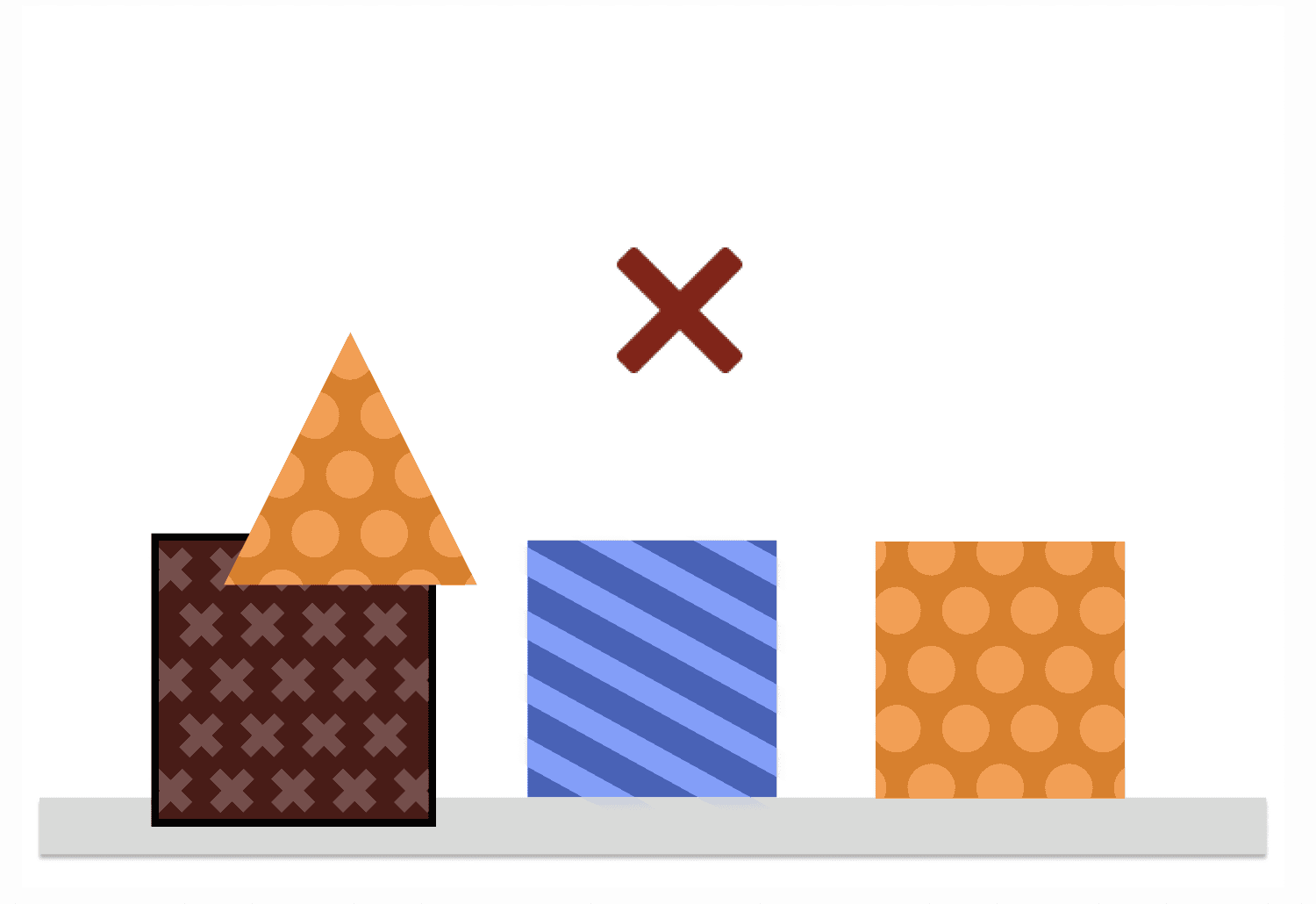
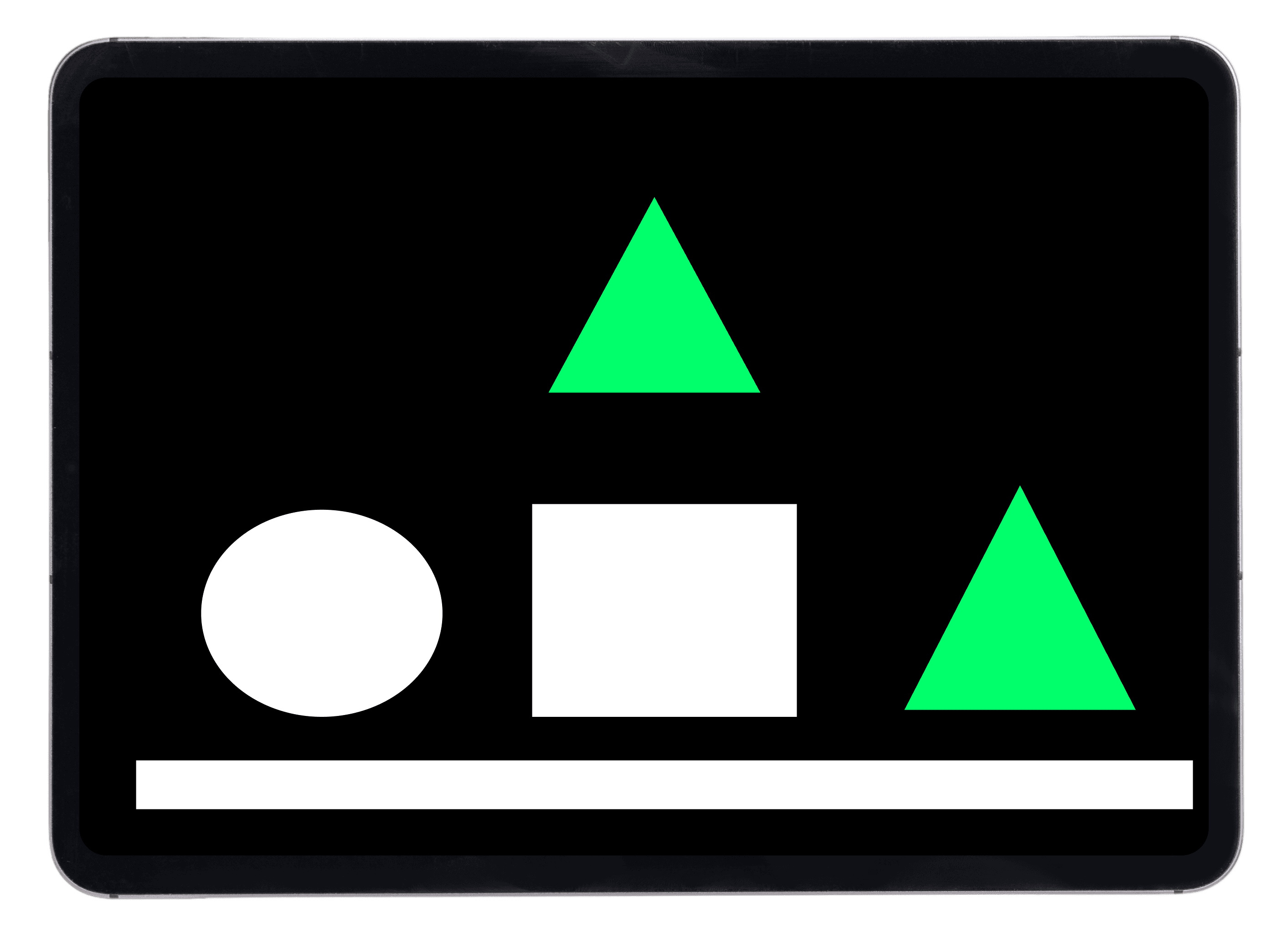
Sorting Shapes Game Idea
(We received feedback that this needed better color contrast)
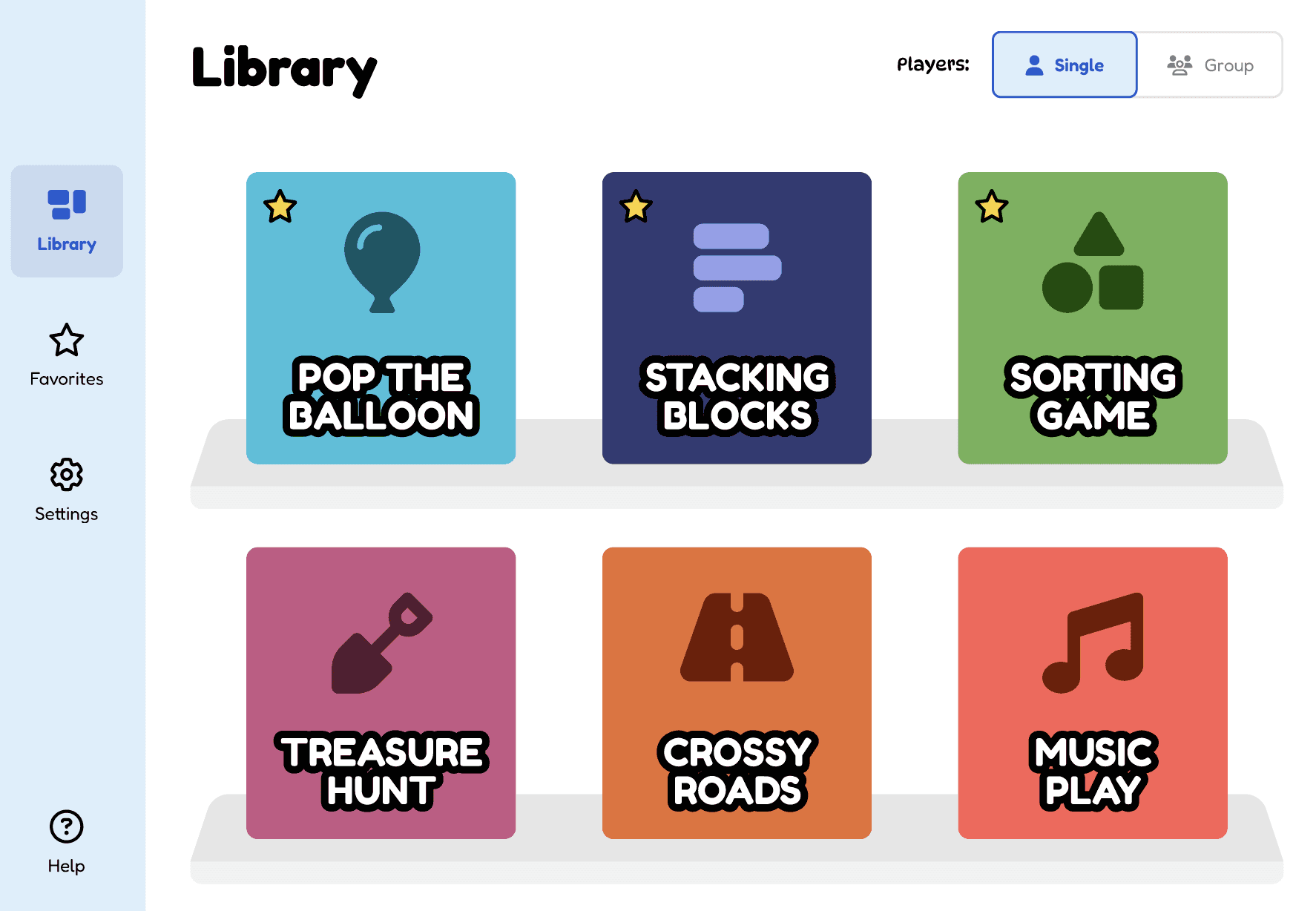
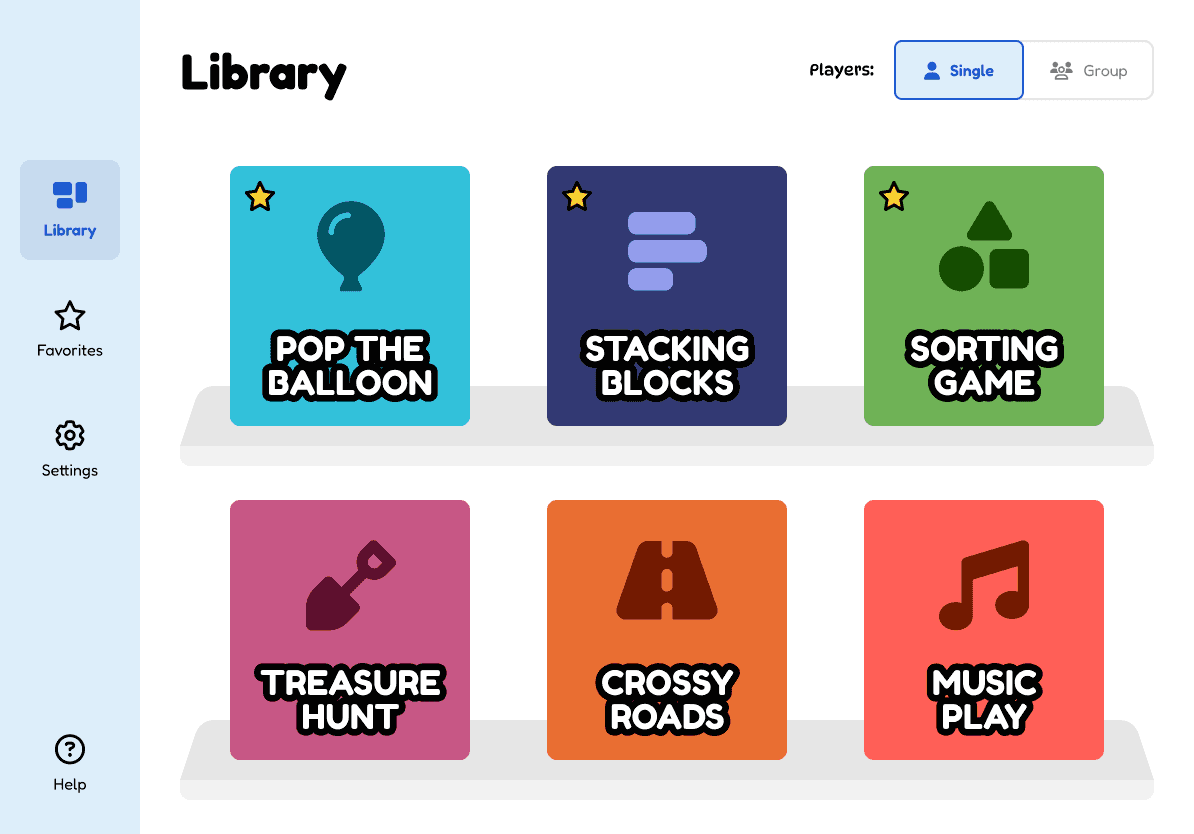
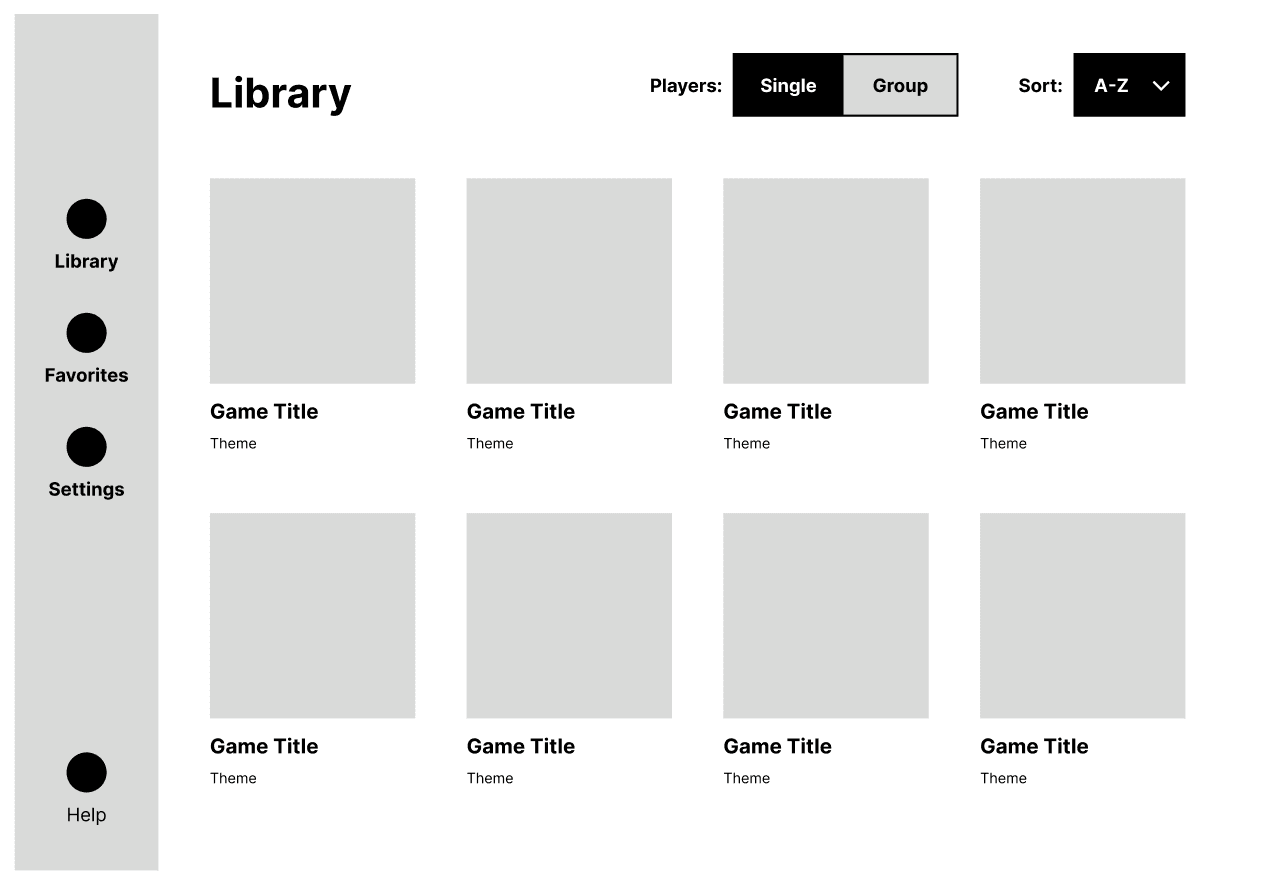
Dashboard with multi-player functionality, and navigation bar allowing for ease of use
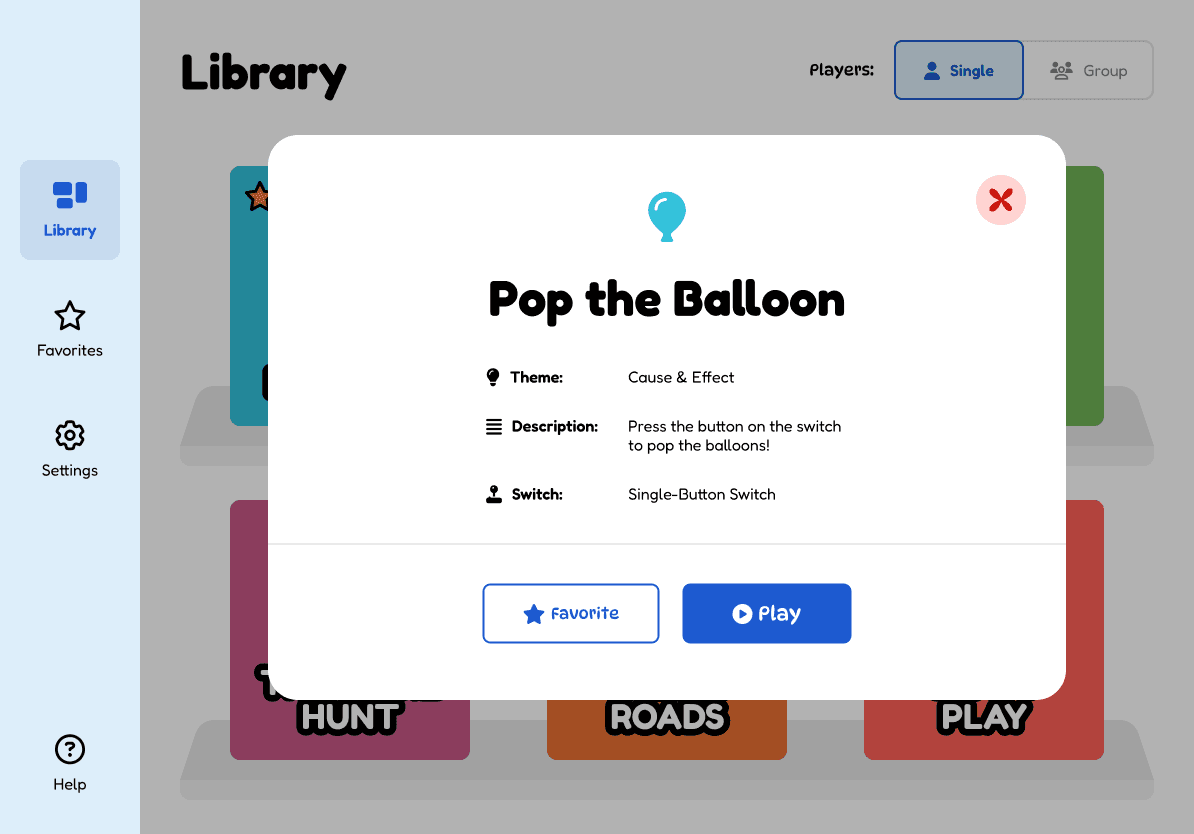
Clicking on a game leads to a pop up with information about the learning objective and type of switch that can be connected
An iteration of the Sorting Shapes Game with greater color contrast
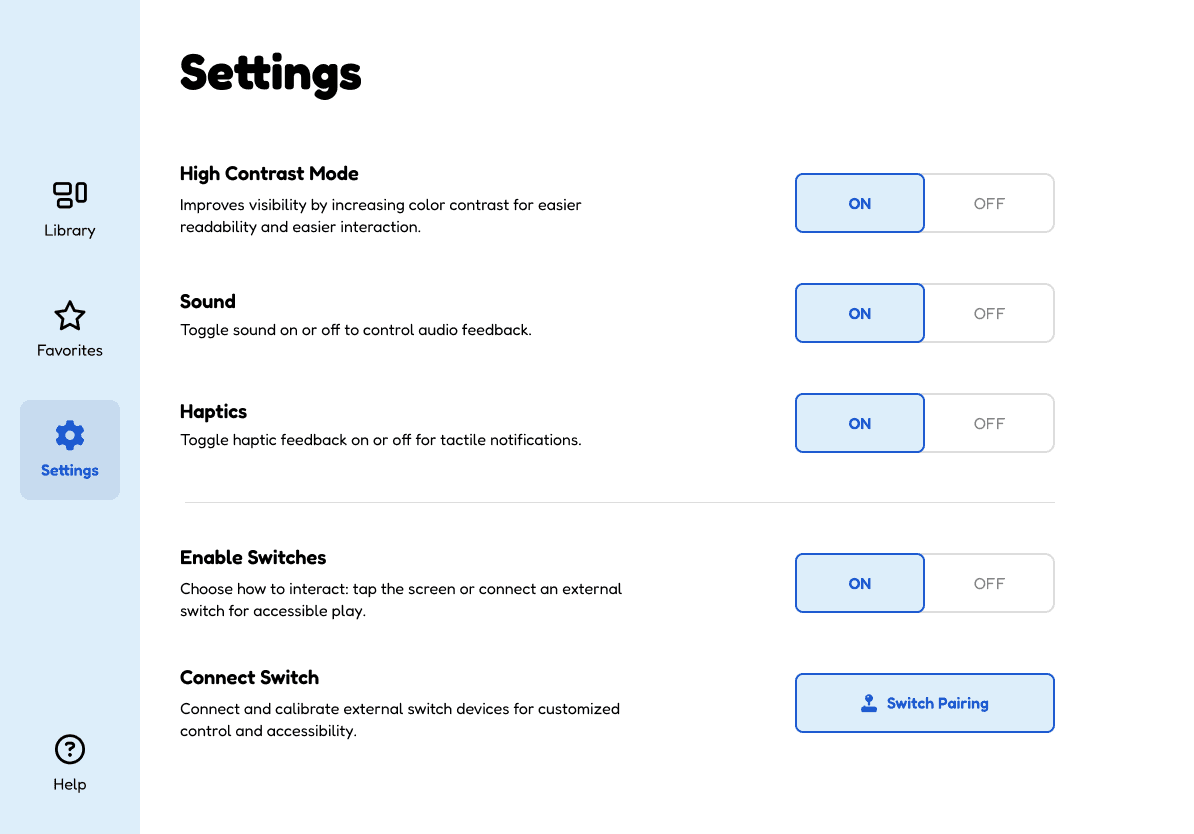
Settings allow for modifying key accessibility features like high contrast, sound/haptics, and enabling switches
Key Features
1
Large game tiles and icons in the library. Educators can easily navigate through the app and favorite any games from the library. Educators can also toggle between individual and group play promoting collaboration among students.
2
Customization in the settings tab where educators can modify sounds, haptics, contrast, and switch access. This allows for greater flexibility.
3
Each of the games will have key accessibility features such as visual and haptic feedback to provide cues towards successful interactions.
4
Having a variety of games allows teachers to adapt the play experience based on what the student might want or need.
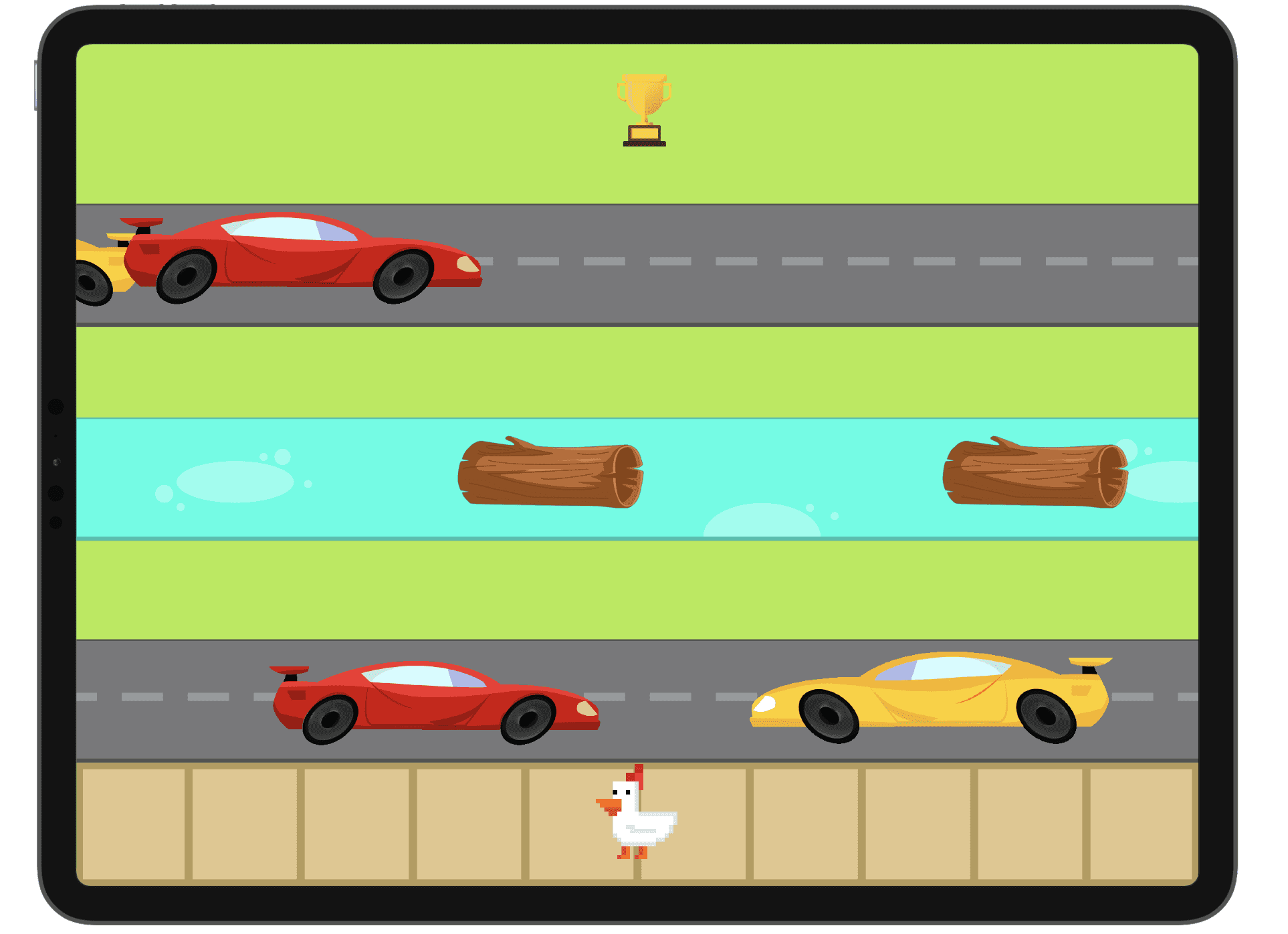
Some of the other games we designed included Crossy Roads, and Stacking Blocks. These games were designed with high contrast, and visual cues in mind. They include visual feedback when the player completes a successful interaction.
Additional Games
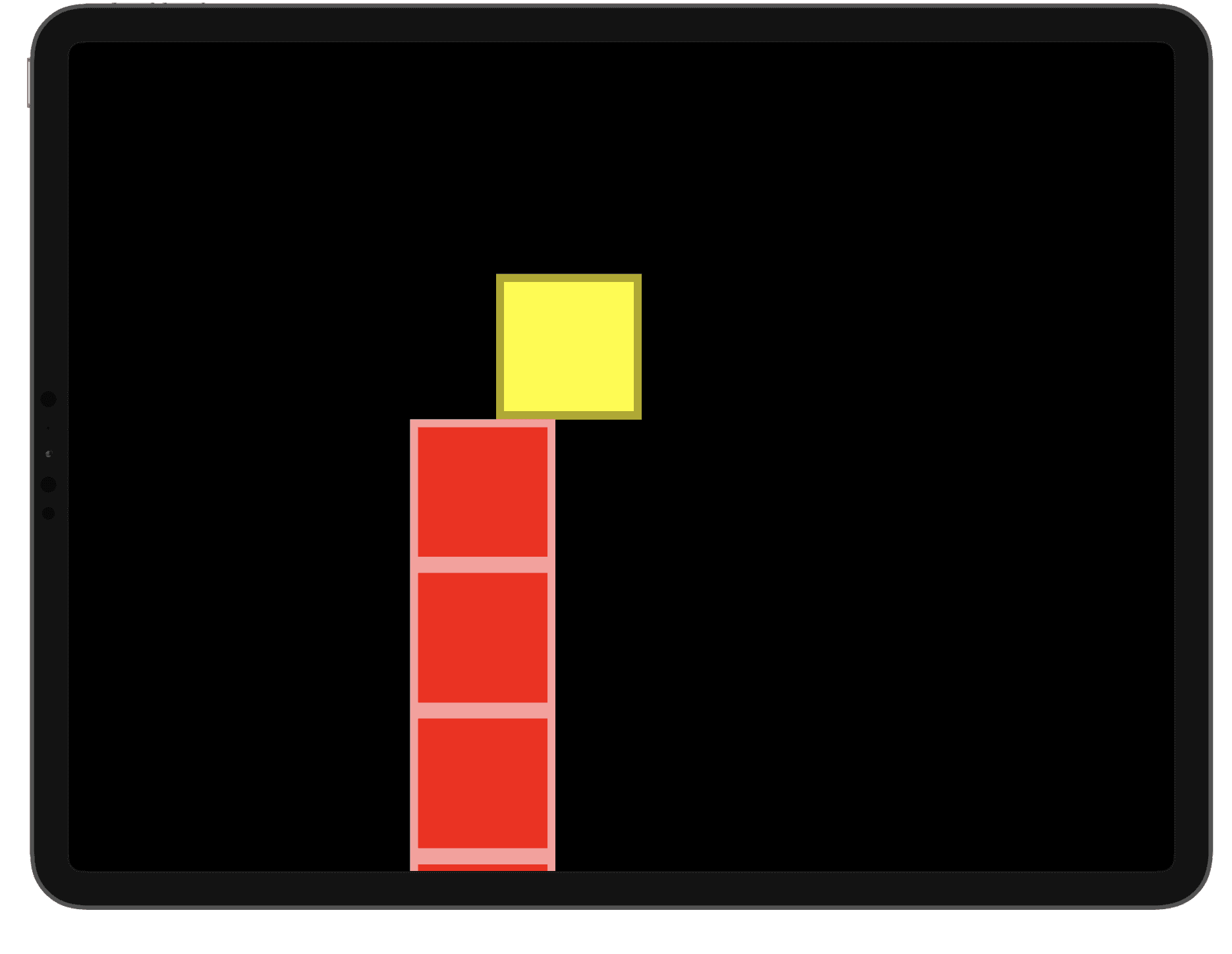
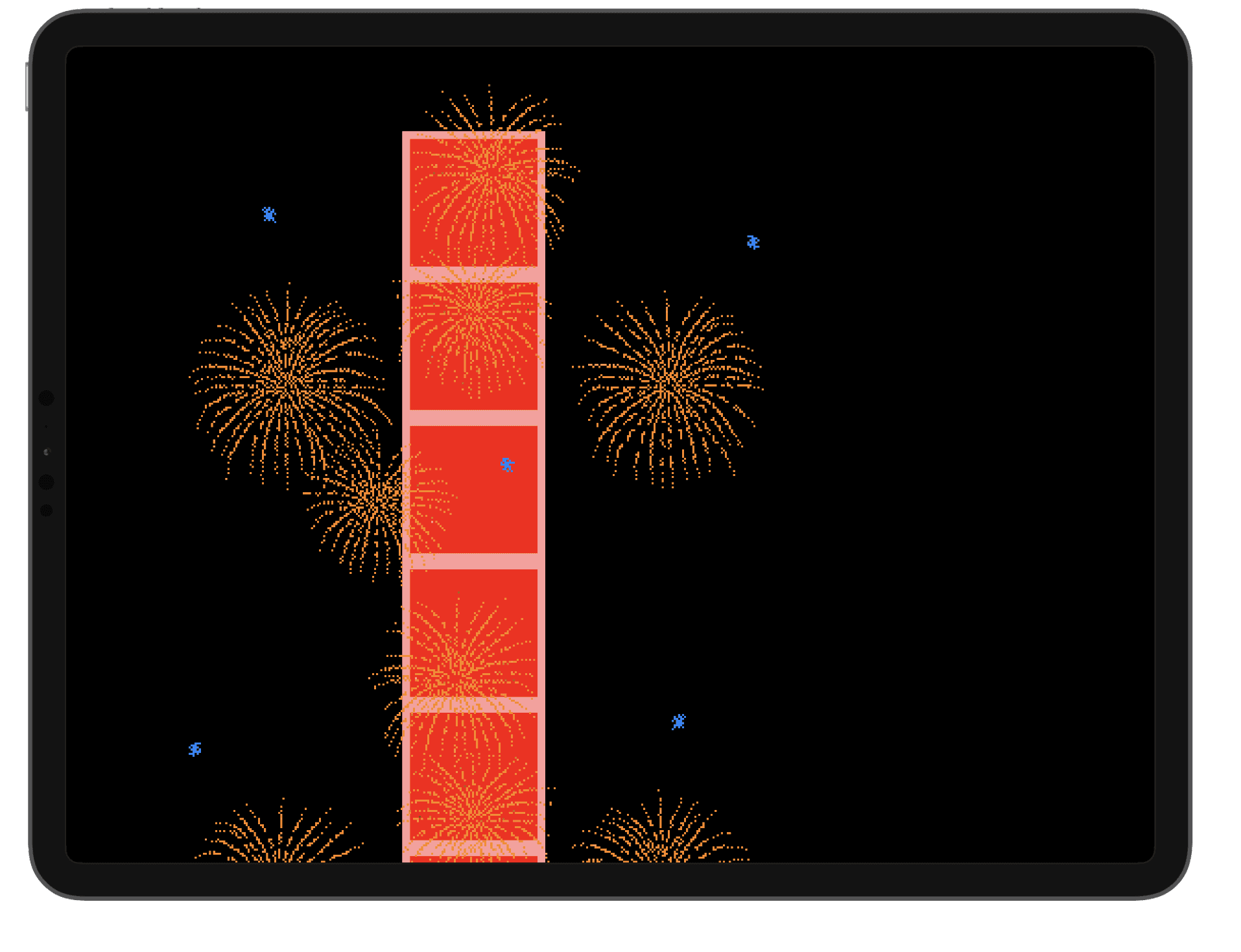
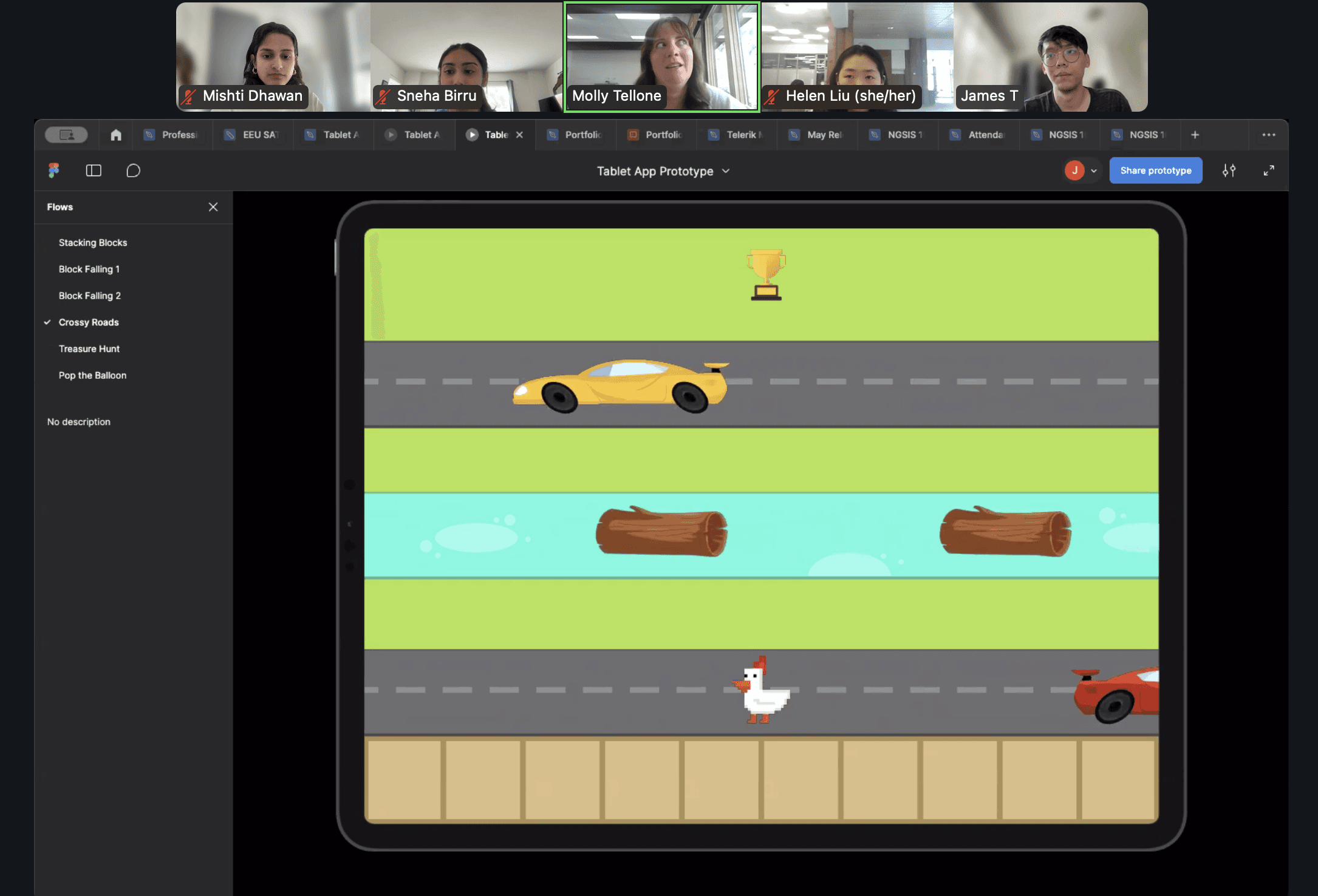
Throughout the design and development process, we met with Molly (our expert at the EEU) to gather her feedback on our designs.
She provided us with valuable information about what key actions we should focus on in the games we chose. Molly's feedback allowed us to iterate through our designs and ensure we were meeting the accessibility goals that we wanted to focus on in our project.
GATHERING FEEDBACK
Gathering Feedback
WATCH THE PROTOTYPE DEMO!
The demo features three games: Popping Balloons, Sorting Shapes, and Stacking Blocks. In the demo, different switch types are used to illustrate how the games would be played.
PROJECT OUTCOMES AND IMPACT
PROJECT RECOGNITION & AWARDS
Low Cost Barrier for Educators + Families
Aligns with Classroom Learning Goals
Works with Different Switch Types
Makes Play Fun and Engaging
Cultivates Collaboration
REFLECTION
Through this project, I got to learn first-hand how communication works between the design and development teams. Our team had 3 designers (myself included) and 3 developers. We involved the developers in our design stage early on to ensure that our designs were technically feasible. This saved us a lot of time later on. Through regular check ins and meetings, we were also able to ensure that any technical difficulties or confusions around the design systems were addressed promptly. In these meetings, we went over our file documentations as well.
View Other Projects
We submitted our design project to the RESNA Student Design Challenge. Our team was a finalist and won 2nd place nationally for our design project!
We also presented our project at the HuskyADAPT Showcase in partnership with UW CREATE.